Add-ons
Each add-on goes after one number you can measure.
The core runs the day. Add-ons sit on top of it, and you pick the ones your shop needs.
Every add-on runs on the core.
Pick an add-on to see what it does
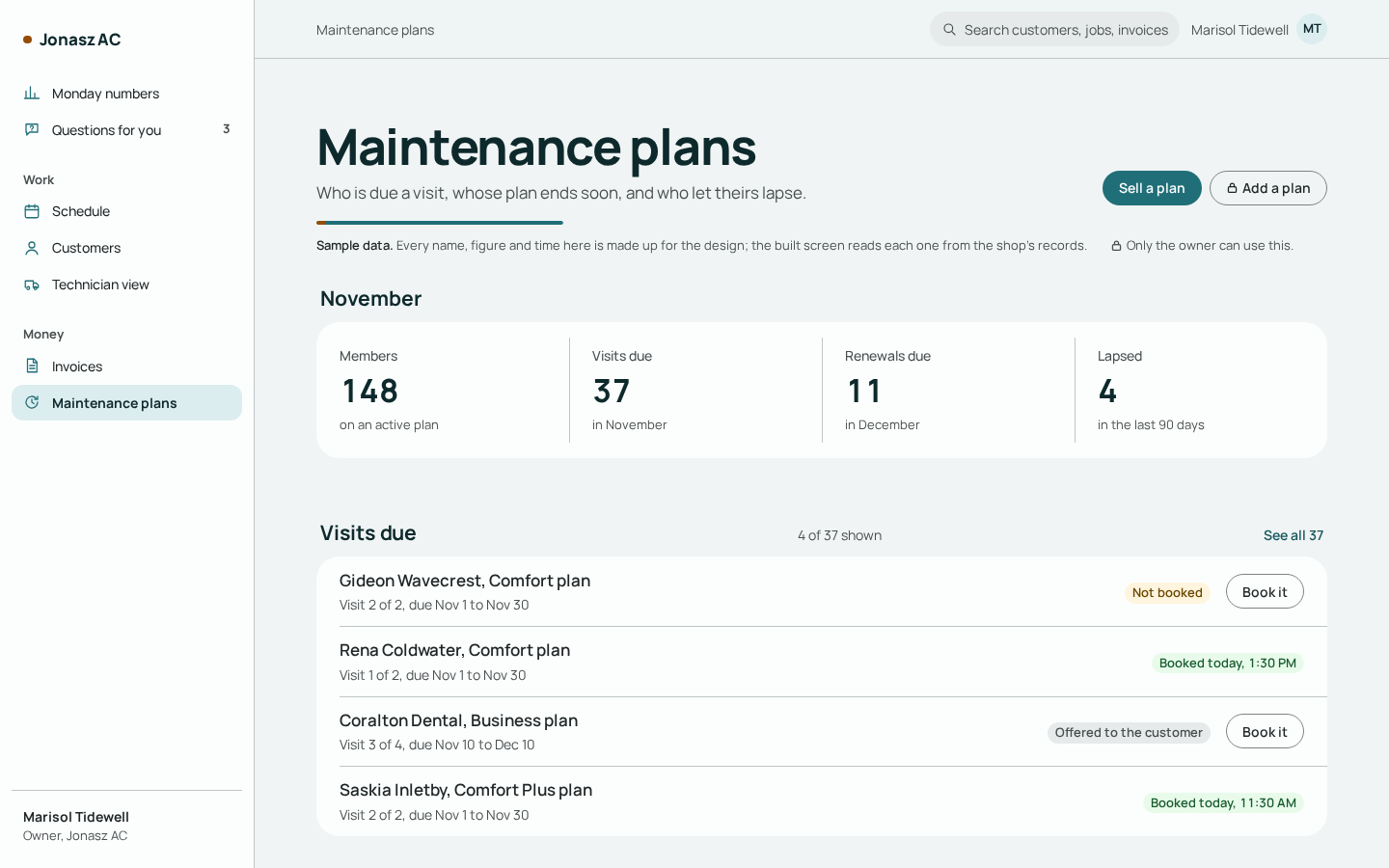
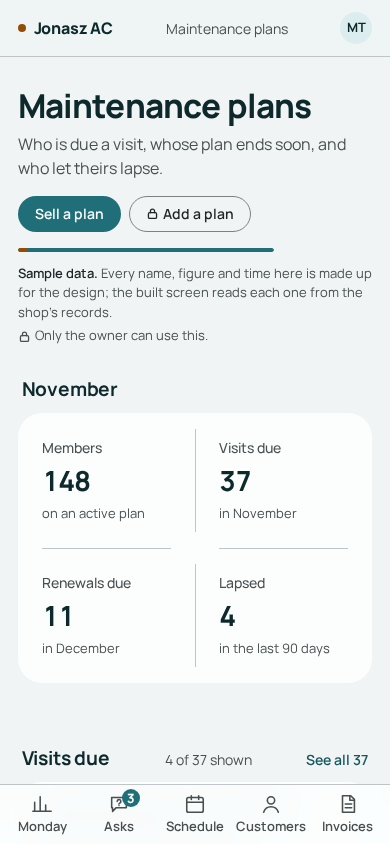
The plans picture is a design screen with sample data. The other three are drawings of what each one does.
Maintenance plans
The system keeps the list of members due for a tune-up and writes each one a text draft with up to three open times. The renewal invoice can be drawn up before the plan runs out, and each month you see who's due for a visit, whose renewal is coming and who lapsed.
Quote follow-up
For a quote that went quiet, the system writes up to three follow-up text drafts in your approved words. The drafts stop when your office marks the quote booked or declined.
- You give a quote
- The customer goes quiet
- Follow-up drafts, in your words
- Your office marks it booked or declined
Dispatch helpers
It ranks your available techs by how much driving a new job adds to their day and suggests an order for each tech's day that cuts the driving. When a job cancels, one tap writes offer drafts for your waiting list.
- A job cancels
- Your dispatcher taps once
- Offer drafts for the waiting list
- Your office fills the open slot
Parts and truck stock
Every truck has a stock list that stays current as techs log the parts they use. After a first month of measuring, anything below your target lands on the next day's pick list.
- A tech logs a part on the job
- That truck's count drops
- After a first month of measuring, anything below your target lands on the next day's pick list.
- The truck carries what your list says
Maintenance plans up close: a member's year
From the day a plan is sold to the day it renews or lapses, the system works out each step. You set the plan, the visits and how much notice members get.
 Jonasz Technologies
One maintenance plan, one year
What happens, and when
- The plan is soldThe year's visits are laid out, each with a window around its date.on the sale
- A visit window opensThe system writes the member a text draft with up to three open times.the visit window
- The tune-up is doneThe visit is marked done with the job.at the job
- Renewal comes upThe renewal invoice is drawn up ahead of the end date, if you set the plan that way.your notice days
- A member doesn't renewAfter the grace period you set, the plan is marked lapsed.your grace days
- A win-back draftOne text draft, for two weeks after the lapse.after the lapse
Plans you already sell can come in from your old system's export when you start.
Each month, one look
You see who's due for a visit, whose renewal is coming and who lapsed. A member who cancelled shows as cancelled, with the reason your office picked.
Your own numbers
We work out what lapsed members cost your shop from three of your figures: how many members you have, the share who renew, and your plan price.
What happened, on your records
The system writes a text draft when a visit is due and can draw up the renewal invoice before the plan ends. We count what happened in your shop and show it to you.
Next in line
Two more are planned after these four. Open one to see what it will do.
Commission and spiffs Coming next
Your commission and spiff rules go in once, the way you pay them today, split jobs included. The math runs the same way every pay period, and each tech can see how their number was worked out. Payroll filing stays with your payroll provider.
License and permit dates Coming next
Every license, insurance and permit date sits on one list. A reminder goes to the person who has to act, weeks ahead, and again until it's done.
Questions about add-ons
Do add-ons need the core?
Yes. They run on the core's customers, schedule and invoices. About the core
Can a member be booked at a different time than the one proposed?
Yes. A visit stays on your office's due list until your office books it, at whatever time suits, like any other job.
What if I change my plan price?
The new price applies from each member's next renewal. A term already sold keeps the price it was sold at.